10 Best VPNs for Fortnite (2026) to Lower Ping, Cut Lag & Avoid Blocks

Eneba Hub contains affiliate links, which means we may earn a small commission if you make a purchase through them—at no extra cost to you. Learn more


Recent update
This list is regularly updated to match what’s trending and in-demand among gamers.
The best VPN for Fortnite can make a real difference when every millisecond counts. A few months ago, I couldn’t even join a match from my campus Wi-Fi – constant disconnects, high ping, and random region locks ruined the experience.
After testing several VPNs, the change was immediate: faster lobbies, smoother gameplay, and no more random bans. This guide covers 10 reliable VPNs that can help you avoid common issues like lag spikes, DDoS attacks, and network restrictions – all without complicating your setup. Keep reading to find the one that fits your connection, playstyle, and platform.
Jump to:
Our Top Picks for Best VPN for Fortnite
These are the top 3 VPNs we recommend for Fortnite players who want stable connections, lower ping, and access across restricted networks. Each of these options stands out for different reasons, and all three deliver consistent performance in live gameplay.
- NordVPN – This VPN offers excellent speed and stability, making it ideal for Fortnite players dealing with lag or ping spikes.
- ExpressVPN – Stands out for its Lightway protocol, which is custom-built for low latency and fast connection speeds, ideal for Fortnite players in high-pressure scenarios.
- Proton VPN – One of the most privacy-driven VPN providers available today, backed by a no-logs policy and based in Switzerland, a country known for strict data protection.
These three picks lead the pack for Fortnite in 2026. Keep reading to explore all 10 VPNs and find the best one for your gaming setup.
10 Best VPNs for Fortnite (Fast, Secure, and Reliable Options)
Here’s a full breakdown of the 10 best VPNs for Fortnite, selected for their low latency, strong connection stability, and gaming-focused features. Each one has been tested across different devices to ensure smooth gameplay. You’ll find the best Fortnite VPN right here.
1. NordVPN [Best Overall VPN for Fortnite]
| Feature | Details |
|---|---|
| Servers | 8,400+ servers in 160+ countries |
| Simultaneous connections | 10 devices |
| Download speed | Up to 2964 Mbps (USA servers) |
| Upload speed | High consistency with NordLynx protocol |
| Average latency | Very low when using nearby servers |
| Unique features | NordLynx (WireGuard-based), smart load balancing |
| Best for | Competitive Fortnite gamers who need stability |
| What I liked | Fast speeds, reliable global access, smooth gameplay |
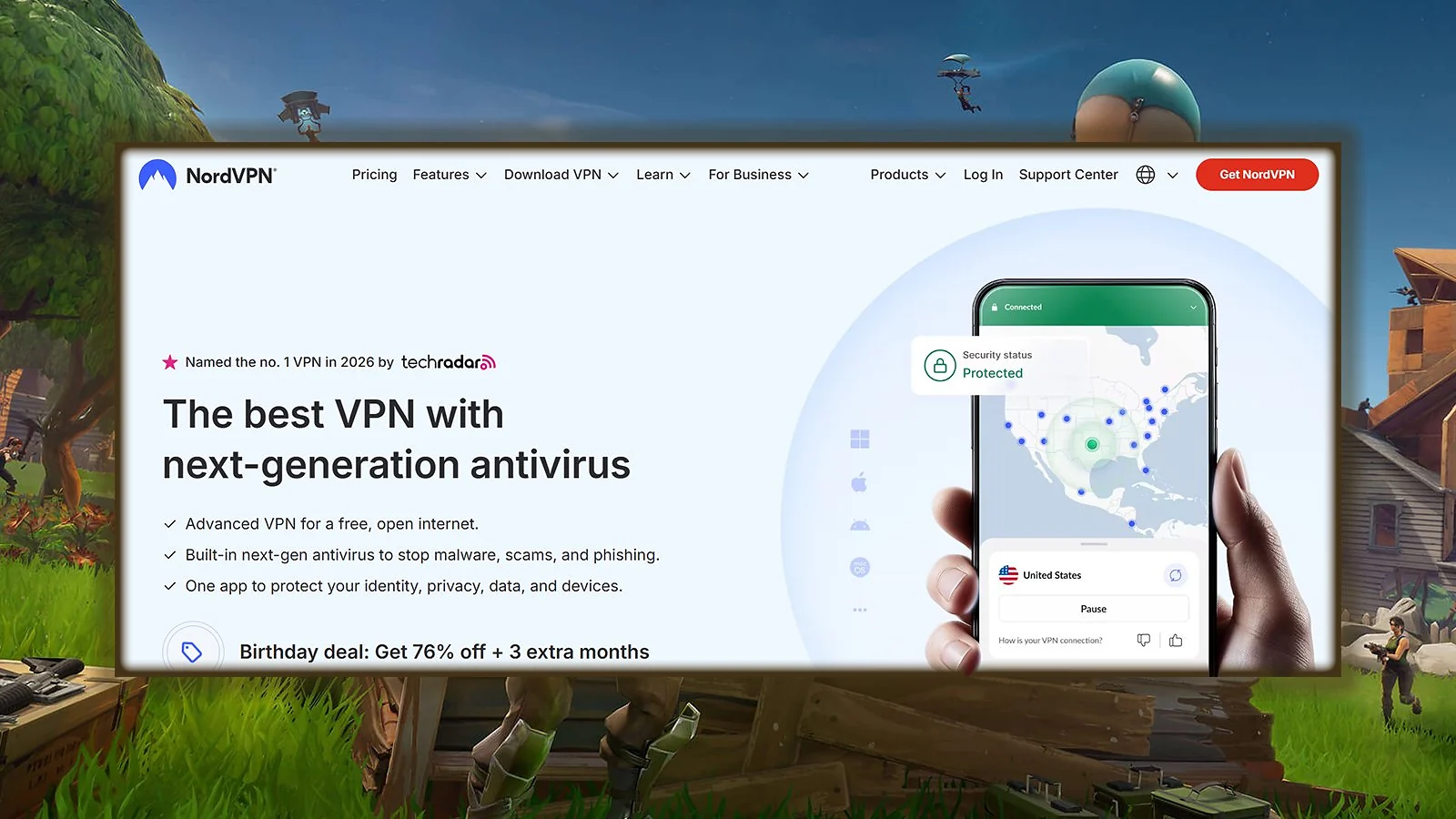
NordVPN stands out as a top-tier VPN for Fortnite thanks to its custom-built NordLynx protocol, designed to minimize ping and maximize throughput. It uses WireGuard at the core, but improves on it with a double NAT system that keeps speeds high and connections stable.
To get the best performance, choose the closest NordVPN server to Fortnite’s regional data center and switch to the NordLynx protocol in the settings. This setup keeps your ping low and avoids speed loss during key moments.
The provider boasts a huge server network spread across 160+ countries. NordVPN apps are lightweight, run well even on mid-range devices, and allow you to secure up to 10 connections at the same time. That’s useful if you play Fortnite across PC, phone, and console, or want to protect your home network with one subscription.
Their smart load-balancing algorithms ensure the servers don’t get overloaded, which is key during peak Fortnite hours or global events like FNCS weekends.
| Pros | Cons |
|---|---|
| ✅ Excellent speeds with NordLynx and smart routing ✅ Thousands of servers to find the closest route to Fortnite ✅ Works across PC, consoles (via router), and mobile ✅ Blocks DDoS and hides IP from other players ✅ Allows 10 simultaneous devices ✅ Strong privacy for public or shared networks | ❌ The app interface has many advanced settings, but the default setup works great for beginners |
Final Verdict: NordVPN brings the perfect balance of speed, stability, and security for Fortnite players.
2. ExpressVPN [Fastest VPN for Competitive Fortnite]
| Feature | Details |
|---|---|
| Servers | 3,000+ servers in 100+ countries |
| Simultaneous connections | Up to 14 devices |
| Download speed | Lightning-fast with Lightway protocol |
| Upload speed | Very stable across long sessions |
| Average latency | Extremely low with nearby locations |
| Unique features | Lightway Turbo, TrustedServer, 24/7 live chat |
| Best for | Fast-paced Fortnite matches and multi-device setups |
| What I liked | Easy setup, smooth performance, and no speed drops |
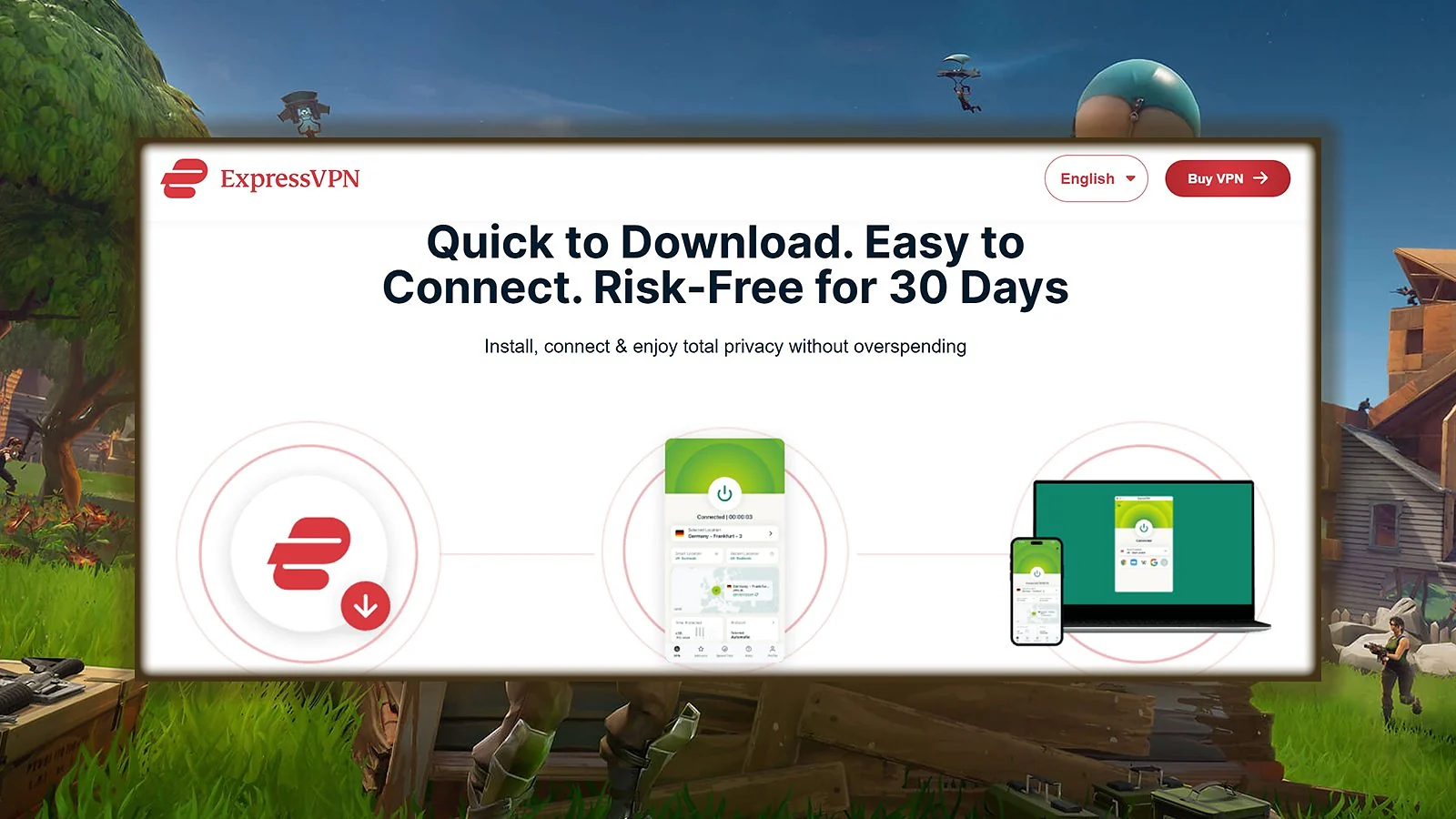
ExpressVPN stands out for its Lightway protocol, which is custom-built for low latency and fast connection speeds, ideal for Fortnite players in high-pressure scenarios. It starts up quickly, connects in seconds, and keeps your internet connection rock-solid during competitive matches. With Lightway Turbo now rolling out, speed and reliability have become even better.
For the best Fortnite experience with ExpressVPN, connect to a nearby region using Lightway protocol in the settings. If you’re on console, configure the VPN through your router to secure the entire network without setup delays.
One thing ExpressVPN does well is cross-platform performance. You can install it on PC, Mac, iOS, Android, and even set it up on routers or smart TVs. This means one subscription can cover your full gaming setup and household, even if you’re switching from desktop to console. The apps are intuitive, and even beginners won’t need to adjust advanced settings.
Security-wise, ExpressVPN runs on TrustedServer technology, which means all server data is wiped after every reboot. It also keeps no activity logs, ensuring your identity and browsing behavior stay private.
| Pros | Cons |
|---|---|
| ✅ Low-lag Lightway protocol designed for gaming ✅ Servers in 105 countries for more regional flexibility ✅ Easy setup on every major platform and router ✅ Strong encryption and zero-log policy ✅ Works even on restricted networks (school, public Wi-Fi) ✅ Responsive support if anything goes wrong | ❌ Slightly higher price tag, but performance makes it worthwhile |
Final Verdict: ExpressVPN delivers the fastest and most reliable VPN experience for Fortnite users who need speed, flexibility, and stability.
3. Proton VPN [Best Privacy VPN for Fortnite]
| Feature | Details |
|---|---|
| Servers | 14,000+ in 120+ countries |
| Simultaneous connections | 10 devices (Plus plan), unlimited with Visionary |
| Download speed | Very fast with VPN Accelerator + WireGuard |
| Upload speed | Smooth and reliable for cloud sync or voice chat |
| Average latency | Low and stable when connecting to nearby game servers |
| Unique features | NetShield ad-blocker, Stealth protocol, Swiss privacy |
| Best for | Security-focused Fortnite players and streamers |
| What I liked | High trust factor, clear setup, and smooth gameplay |
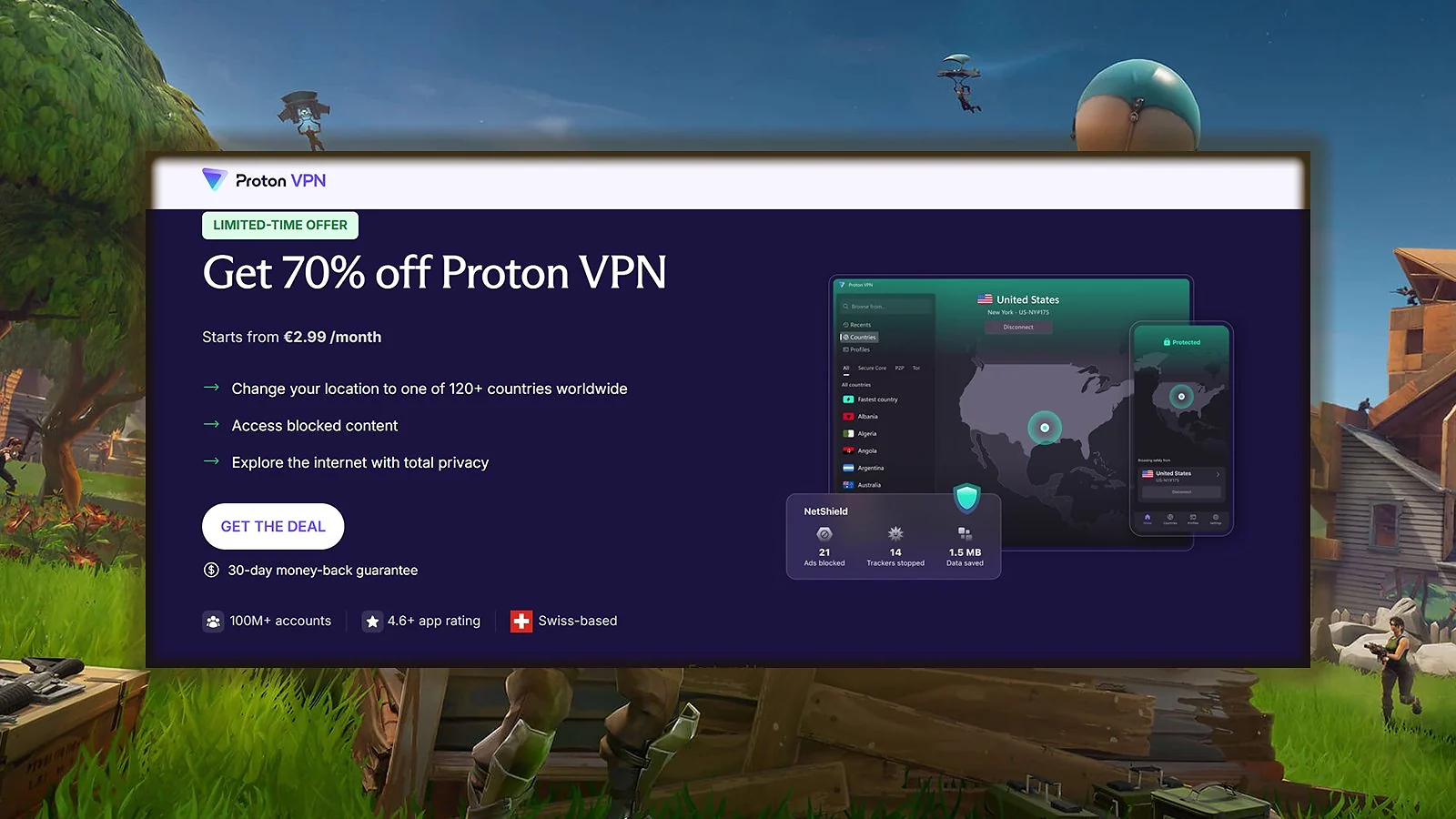
Proton VPN is one of the most privacy-driven VPN providers available today, backed by a no-logs policy and based in Switzerland, a country known for strict data protection. What makes Proton stand out for Fortnite users is its strong security design combined with smooth WireGuard performance across Windows and macOS. In fact, Proton is probably one of the best VPNs for Mac thanks to its smooth app and rock-solid protection.
For the lowest ping in Fortnite, enable WireGuard and turn on VPN Accelerator in the Proton app, then connect to the server closest to your Fortnite region. If your ping still fluctuates, test 2–3 nearby locations and keep the one with the most stable latency, not just the lowest number.
Its VPN Accelerator tech boosts speeds by optimizing routing paths through their 10 Gbps network. That’s a big plus for Fortnite, where ping to the game server affects building, aiming, and hit registration. Proton VPN is the top VPN for streaming, which means you can run Fortnite and Twitch from the same device without bottlenecks.
Proton also blocks ads and malware with NetShield, which is useful for gamers on shared or public Wi-Fi. The Stealth protocol helps bypass restrictions, and the app works well even in censored networks. It’s also one of the few providers offering a real free VPN tier, which is helpful for trying it before upgrading.
| Pros | Cons |
|---|---|
| ✅ Fast WireGuard support with easy setup ✅ VPN Accelerator boosts download speed for gaming ✅ Servers in 120+ countries to reach any Fortnite region ✅ Audited apps and Swiss-based privacy protection ✅ Ad-blocker and malware filtering with NetShield ✅ Offers free VPN option with upgrade path ✅ Allows up to 10 or unlimited simultaneous connections | ❌ Fewer customization features than others, but excellent defaults for Fortnite and general use |
Final Verdict: Proton offers a secure and stable connection with strong privacy features and low-lag performance on Fortnite.
4. CyberGhost [Best for Dedicated Gaming Servers for Fortnite]
| Feature | Details |
|---|---|
| Servers | 11,000+ servers in 100 countries |
| Simultaneous connections | 7 devices |
| Download speed | Strong performance on nearby servers |
| Upload speed | Stable for streaming and voice chat |
| Average latency | Low on optimized gaming servers |
| Unique features | Gaming-optimized servers, WireGuard, NoSpy servers |
| Best for | Beginners who want a plug-and-play gaming experience |
| What I liked | Dedicated Fortnite performance servers, easy setup |
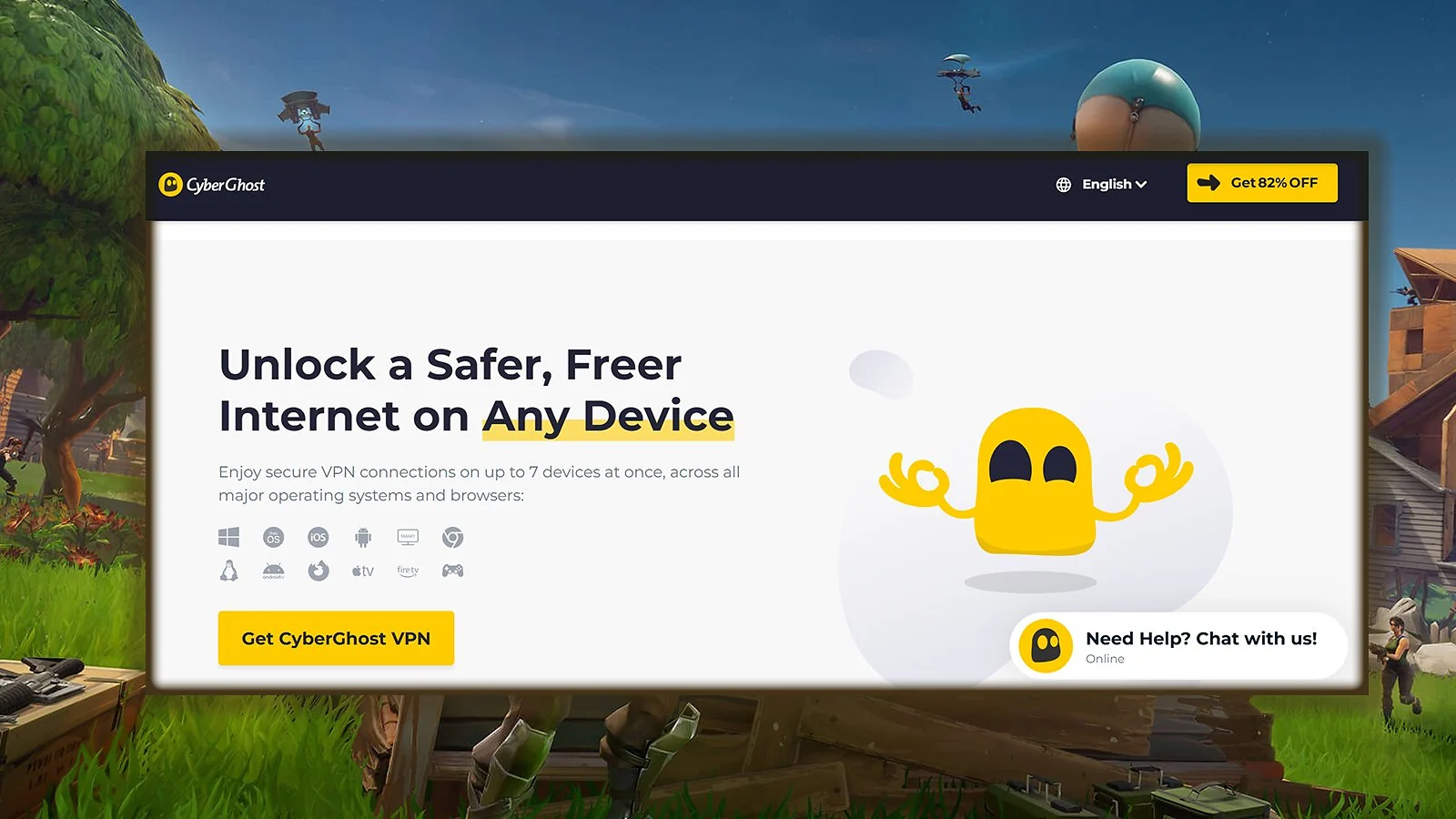
CyberGhost is one of the only providers offering dedicated servers for gaming, and that makes a big difference when you play Fortnite. These servers are optimized to keep your connection stable and reduce the time it takes for your data to travel, which translates into fewer delays and smoother matches. One of CyberGhost’s biggest strengths is its simplicity.
For best results, use CyberGhost’s gaming-optimized servers and enable the WireGuard protocol. It’s faster and more stable than older protocols, especially when paired with Fortnite‘s fast-paced action.
With 11,000+ servers in over 100 countries, you’ll always find one close to your Fortnite server region. That wide coverage helps lower your ping and avoids congested routes. Whether you’re playing from home or connecting through school Wi-Fi, CyberGhost’s server variety helps maintain low-latency gameplay. Plus, as someone who games on console a lot, I can say CyberGhost feels like one of the best VPNs for Xbox.
Privacy is another plus. CyberGhost uses NoSpy servers, a feature that routes your traffic through private, independently operated servers. You also get strong encryption, no-logs policies, and support for up to 7 devices at once, making it a secure option even beyond gaming.
| Pros | Cons |
|---|---|
| ✅ Dedicated servers built for gaming performance ✅ Very beginner-friendly app interface ✅ Massive server network for better region coverage ✅ Strong encryption and no-logs policy ✅ Compatible with routers, consoles, and mobile devices ✅ Includes streaming and torrent-optimized servers | ❌ Some distant servers can occasionally show slower response times, but gaming servers perform consistently well |
Final Verdict: One of the best Fortnite VPNs, CyberGhost makes the play easy with less lag and more stability, especially thanks to its gaming-specific servers.
5. Private Internet Access (PIA) [Best Server Selection for Fortnite]
| Feature | Details |
|---|---|
| Servers | 35,000+ servers in 90+ countries |
| Simultaneous connections | Unlimited |
| Download speed | Fast with stable WireGuard support |
| Upload speed | Smooth even while multitasking |
| Average latency | Very low to nearby Fortnite servers |
| Unique features | VPN port forwarding, open-source apps, split tunneling |
| Best for | Gamers who want full control and high stability |
| What I liked | Flexible settings, reliable speed, great value |
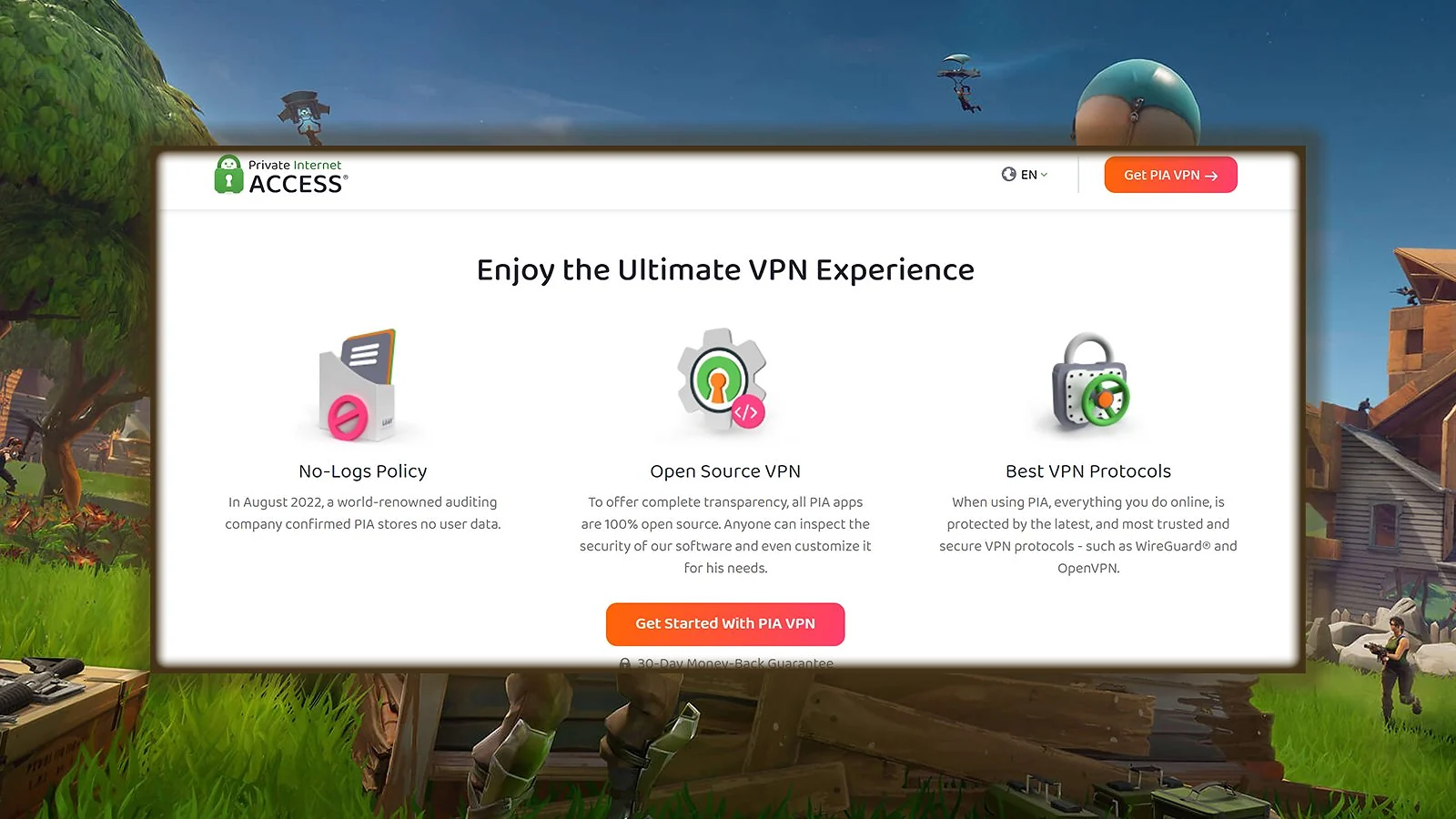
Private Internet Access (PIA) gives you full control over your VPN experience, especially if you like to tweak performance settings for smoother gameplay. The app is fully open source and offers VPN port forwarding, which can help stabilize long sessions or fix NAT issues when you play Fortnite.
To reduce ping on Fortnite, enable split tunneling and route only Fortnite through the VPN. This helps maintain speed and responsiveness without affecting other parts of your internet traffic.
PIA also offers a dedicated IP address add-on for users who want consistency and fewer CAPTCHAs. This can help you avoid errors when logging into Epic Games or reduce matchmaking inconsistencies if you’re used to playing competitive games like Fortnite from the same IP regularly.
Its ad-blocking feature (MACE), no-logs policy, and customizable encryption levels make it a smart pick for gamers who also care about security online. Setup is easy for casual players, but advanced users will appreciate how much they can configure.
| Pros | Cons |
|---|---|
| ✅ VPN port forwarding improves connection stability on some routers ✅ Huge server network for flexible Fortnite access ✅ Split tunneling support for optimized performance ✅ Fast speeds with WireGuard and no bandwidth limits ✅ No logs, open-source client, strong transparency ✅ Works well across PC, console (via router), and mobile | ❌ Interface may be overwhelming for new users, but defaults are easy enough to use |
Final Verdict: PIA is a top-tier choice for players who want to play Fortnite with more customization, stronger privacy, and consistent speeds.
6. Surfshark [Best Value VPN for Fortnite]
| Feature | Details |
|---|---|
| Servers | 8,000+ servers in 100+ countries |
| Simultaneous connections | Unlimited devices |
| Download speed | Very fast with 10 Gbps servers + WireGuard |
| Upload speed | Consistent across multiple regions |
| Average latency | Low when connecting to optimized VPN servers |
| Unique features | Real-time antivirus, ad blocker, anti-tracking tools |
| Best for | Budget-conscious gamers and multi-device households |
| What I liked | Strong speeds, clean apps, and great value |
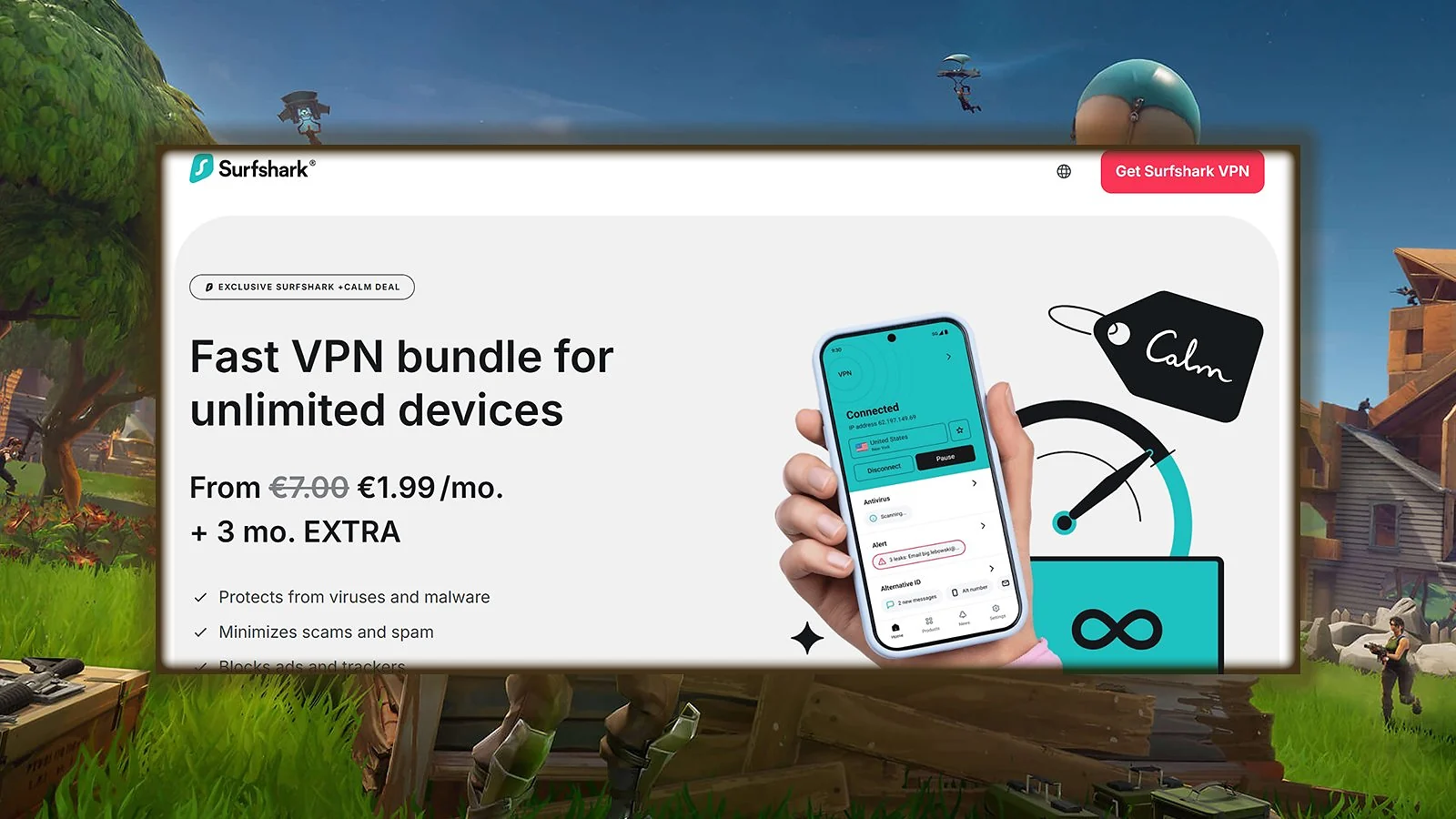
Surfshark continues to gain traction as a VPN provider that delivers premium features at a lower price point, and for Fortnite players, that’s a big win. Its support for the WireGuard protocol, combined with 10 Gbps port infrastructure, makes it one of the fastest value-tier VPNs available.
Fortnite performs best with Surfshark when you switch to WireGuard and connect to a nearby VPN server. If you’re on a congested network, Surfshark’s CleanWeb feature also helps by blocking trackers and ads that slow your internet connection.
One of Surfshark’s biggest strengths is its unlimited device support. If you’re playing Fortnite on a PC, console, and mobile device, or sharing access with friends or siblings, Surfshark lets you cover all devices under one account.
Surfshark includes real-time antivirus, webcam protection, and data breach alerts, making it more than just a Fortnite VPN. This full suite of privacy features helps prevent throttling, protects against DDoS attacks, and keeps your device safe even when you’re connected to public or shared networks.
| Pros | Cons |
|---|---|
| ✅ Great speeds thanks to WireGuard and 10 Gbps VPN server ports ✅ Unlimited device usage per account ✅ Smooth performance for Fortnite on PC, mobile, and console ✅ Built-in ad blocker and tracker prevention ✅ Strong privacy with RAM-only servers and no logs ✅ Very affordable pricing with premium features | ❌ Some advanced settings are hidden in the UI, but the default setup works well for Fortnite users |
Final Verdict: Surfshark is a Fortnite VPN that combines speed, simplicity, and value.
7. Mullvad [Most Reliable VPN for Fortnite]
| Feature | Details |
|---|---|
| Servers | 700+ servers in 50+ countries |
| Simultaneous connections | 5 devices |
| Download speed | Excellent with WireGuard protocol |
| Upload speed | Consistently fast across nearby regions |
| Average latency | Very low due to lean app and no bloatware |
| Unique features | Anonymous account system, WireGuard-first design |
| Best for | Privacy-focused players who want low-ping gaming |
| What I liked | Fast setup, router-friendly, no-nonsense interface |
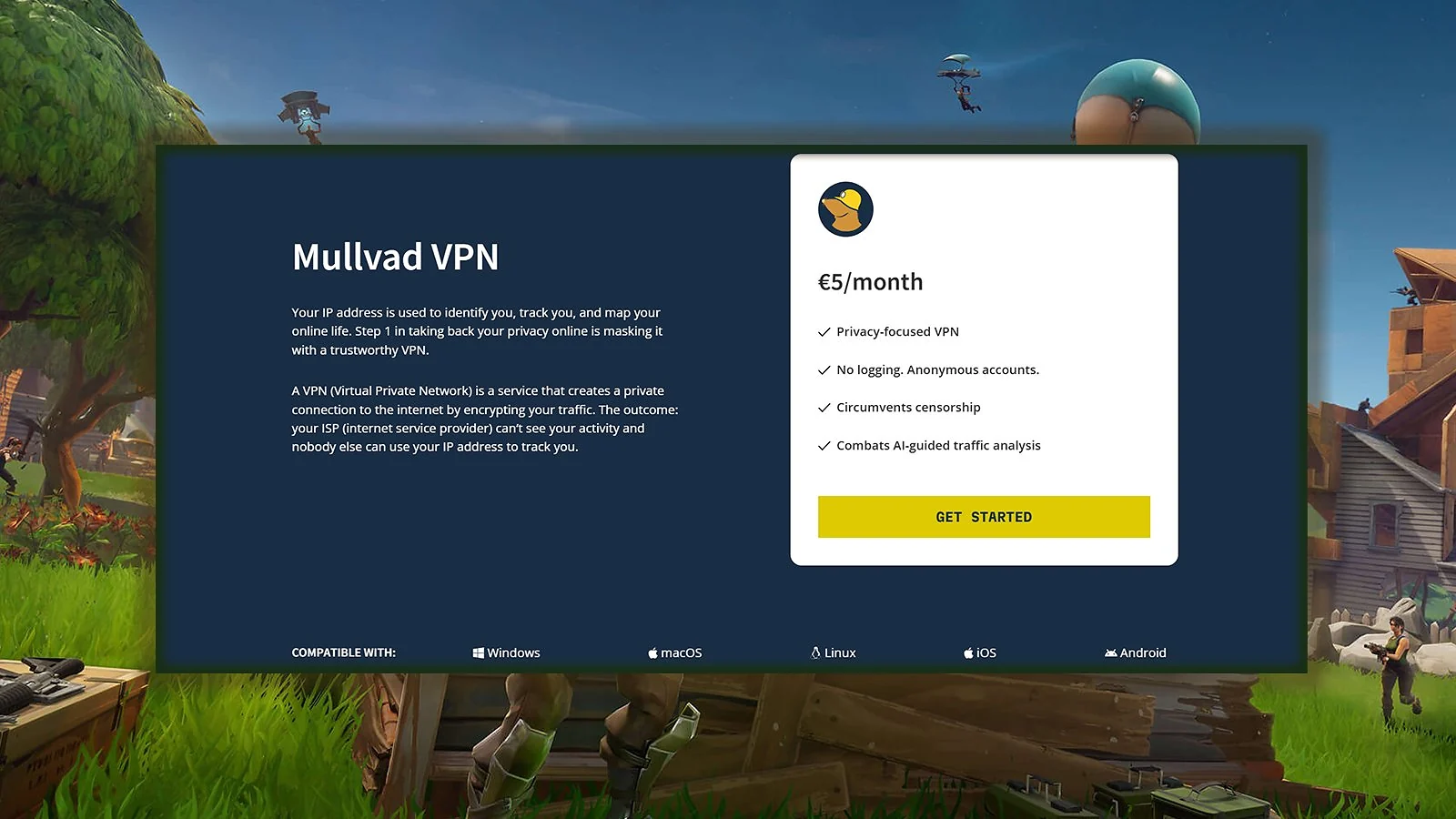
Mullvad is one of the best VPNs for privacy but its performance makes it one of the most reliable VPNs for Fortnite as well. It runs lean, fast, and doesn’t slow down your system with extra processes. Instead of using email-based logins, Mullvad generates a random account number and stores no personal details.
Use Mullvad on your router to cover your full home setup, PC, console, and mobile, without needing to install the app on each device. Combined with WireGuard, this setup gives you consistent low latency and stable Fortnite sessions.
This provider prioritizes WireGuard as its main protocol, which gives it a big edge in gaming. The app is lightweight and launches in seconds, helping reduce ping and speed up matchmaking when you play Fortnite. The stripped-down design is great for PC players who want performance without all the clutter, and Mullvad avoids unnecessary features that often slow down other VPN clients.
| Pros | Cons |
|---|---|
| ✅ Designed around WireGuard for top-tier performance ✅ Super-fast, minimalist app ideal for gaming setups ✅ Account system doesn’t require email or personal info ✅ Strong support for router-based configurations ✅ No trackers, no logs, no ads ✅ One-time payment and anonymous cash options available | ❌ Fewer server locations than others, though key Fortnite regions are supported |
Final Verdict: Mullvad is perfect for Fortnite players who want fast, secure, and no-nonsense performance.
8. IVPN [Best for Privacy-First Fortnite Gamers]
| Feature | Details |
|---|---|
| Servers | 77 servers in 30+ countries |
| Simultaneous connections | 2 to 7 devices depending on plan |
| Download speed | Consistently fast on nearby servers |
| Upload speed | Stable enough for gaming and calls |
| Average latency | Low on WireGuard-connected servers |
| Unique features | Multi-hop routing, anonymous accounts, open-source apps |
| Best for | Fortnite players who prioritize privacy |
| What I liked | Transparent policies, zero ad tracking, no-nonsense setup |
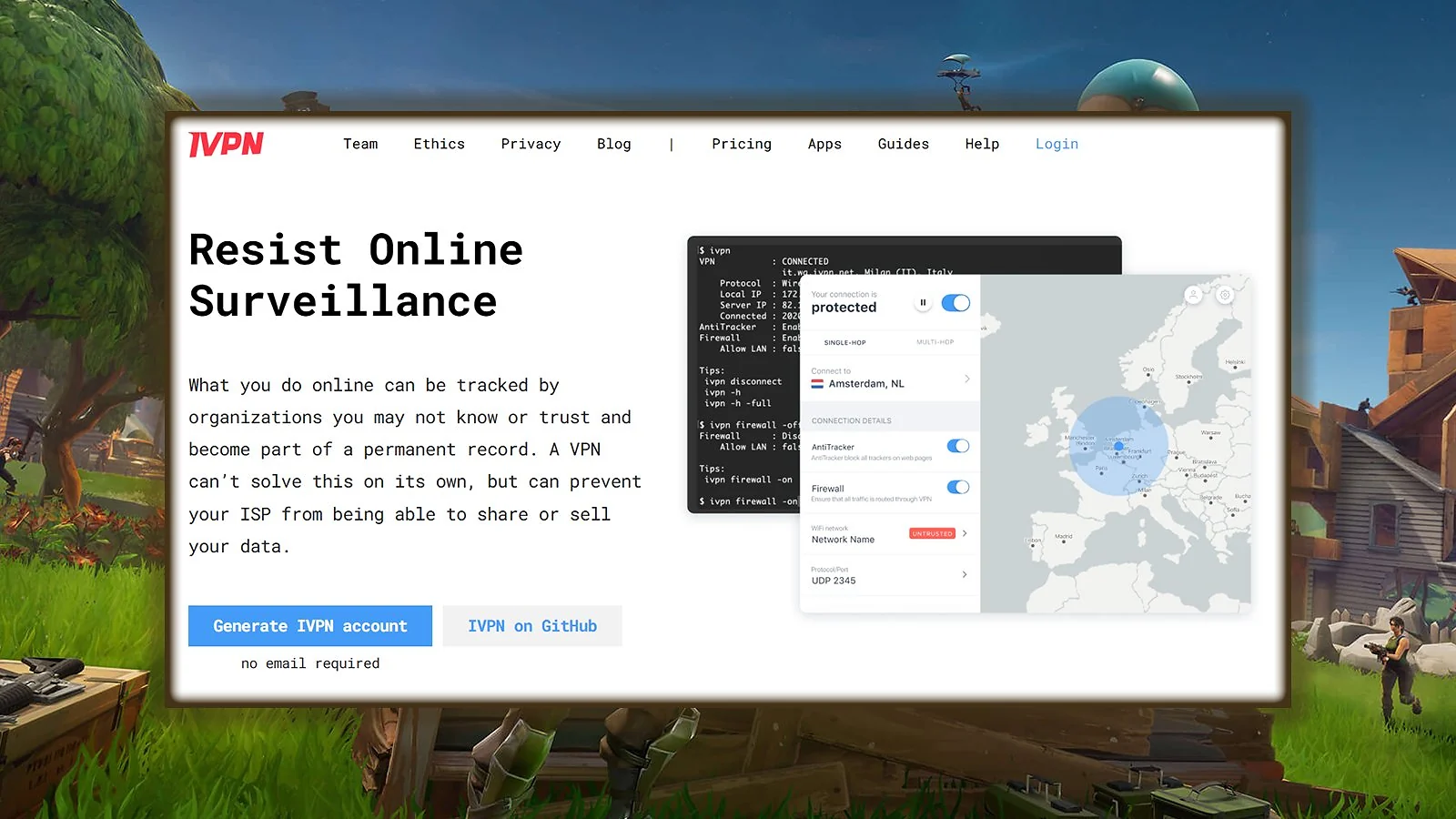
IVPN is one of the most privacy-focused VPNs you can use for Fortnite. It doesn’t log any personal data, doesn’t ask for your email at signup, and won’t track you with third-party tools. But despite being security-first, it still performs great for gaming.
Choose the WireGuard protocol and a server close to your Fortnite region; IVPN’s smaller server count performs best when paired with a nearby location.
With 77 servers in 30+ countries, IVPN might seem limited compared to bigger providers, but that smaller network is tightly maintained, and fast. The no-ads, no-analytics model also reduces background noise, helping your gameplay run smoother.
IVPN is audited, independent, and refreshingly simple. You can pay in crypto or cash; no email needed. With WireGuard enabled, IVPN keeps latency low and connections stable.
| Pros | Cons |
|---|---|
| ✅ Fully open-source apps and infrastructure ✅ No email or personal data required ✅ Excellent WireGuard speeds ✅ Multi-hop support for extra protection ✅ No ads, no analytics, no tracking | ❌ Only 2 devices allowed on the Standard plan, but very helpful for Fortnite |
Final Verdict: As one of the best-rated VPNs for gaming, IVPN is perfect for Fortnite players who want fast, private gameplay without sacrificing transparency or simplicity.
9. Windscribe [Best Freemium VPN for Fortnite]
| Feature | Details |
|---|---|
| Servers | 100+ locations across 69 countries |
| Simultaneous connections | Unlimited devices |
| Download speed | Fast on WireGuard and “Windflix”-compatible routes |
| Upload speed | Strong for voice chat and streaming |
| Average latency | Low on nearby WireGuard servers |
| Unique features | R.O.B.E.R.T. blocker, anti-fingerprinting, 6 protocols |
| Best for | Fortnite players who want speed + built‑in ad blocking |
| What I liked | Fast WireGuard performance, powerful extras, very fair free tier |
Windscribe gives Fortnite players a unique mix of speed, privacy, and built‑in protection tools, all inside a lightweight client. With fast WireGuard VPN connections, 6 different protocol options, and a strong focus on blocking ads and trackers, Windscribe helps keep gameplay smooth while removing background noise that can slow you down.
Additionally, for anyone wondering how to set up a VPN without digging through tons of settings, Windscribe is commonly noted for its easy setup.
Enable WireGuard + R.O.B.E.R.T. (Malware/Ads/Trackers) before launching Fortnite. Cleaning up background ads and trackers often reduces random micro‑lags and stabilizes ping.
Windscribe’s global network covers 100+ locations in 69 countries, which is more than enough to find a low‑ping Fortnite route. The unlimited device limit is a huge win, making Windscribe one of the best VPNs for multiple devices: you can cover your PC, console, laptop, and phone without worrying about hitting a cap.
Windscribe also includes Split Tunneling, strong leak protection, and browser extensions that can rotate user‑agents, spoof time zones, and hide identifying data. These tools are practical for gamers who want cleaner matchmaking and less ISP interference during peak hours.
| Pros | Cons |
|---|---|
| ✅ Fast WireGuard performance keeps Fortnite gameplay smooth even during peak traffic hours. ✅ R.O.B.E.R.T. tool blocks ads, trackers, and malware to reduce lag and distractions. ✅ Unlimited device support lets you connect all your gaming setups without restriction. ✅ Stealth mode and wide protocol support help bypass strict firewalls or school networks. ✅ Browser extension features like timezone spoofing and user-agent rotation offer extra privacy. | ❌ Some faraway servers may underperform, so choosing a nearby location is important. |
Final Verdict: Windscribe is ideal for Fortnite players who want fast WireGuard performance, built‑in blocking tools, and generous device support.
10. IPVanish [Best VPN for Advanced Customisation]
| Feature | Details |
|---|---|
| Servers | 3,200+ servers in ~150 locations |
| Simultaneous connections | Unlimited devices allowed |
| Download speed | Fast across major U.S. and EU servers |
| Upload speed | Stable for gaming and HD video calls |
| Average latency | Moderate – varies based on protocol and server |
| Unique features | Full device sync, SOCKS5 proxy, split tunneling |
| Best for | Advanced gamers who want customizable VPN controls |
| What I liked | Manual configuration options, powerful app control, solid speeds |
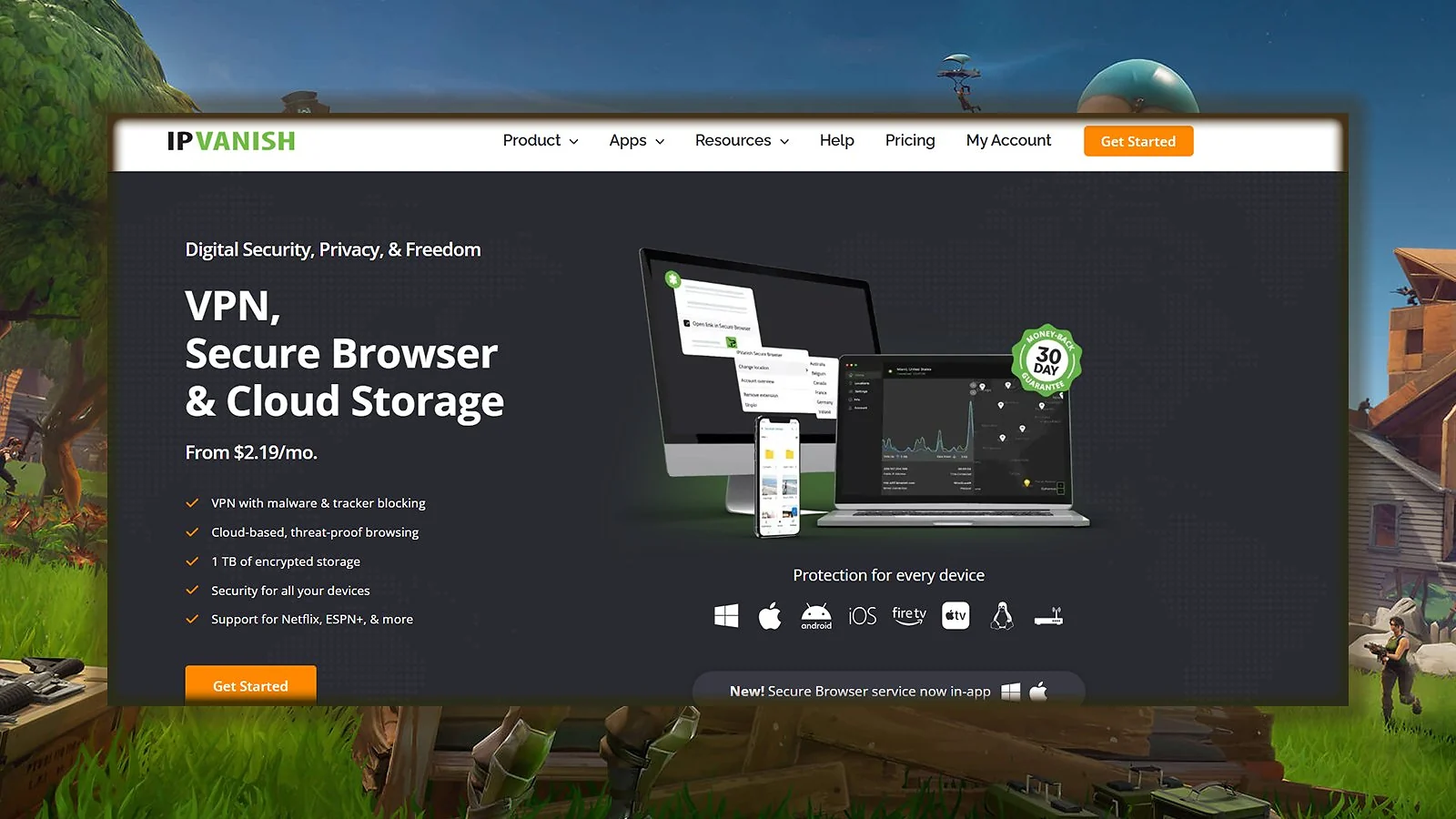
IPVanish is built for gamers who want full visibility and control over how their VPN behaves. With 3,200+ servers across ~150 locations, it provides fast and stable connections, especially on U.S. and European servers.
Switch to WireGuard for better latency, or use IKEv2 when you need extra connection stability. You can also use the SOCKS5 proxy for faster performance on specific apps or regions.
The desktop app gives you real-time traffic graphs, full server list filters, and lets you fine-tune everything from DNS settings to kill-switch rules. There’s even LAN blocking, split tunneling, and auto-connect options when switching Wi-Fi networks.
What makes IPVanish stand out is its deep customization, like protocol switching, device sync, and SOCKS5 proxy support. It’s not the fastest across the board, but for advanced users, the ability to customize protocols, run split tunneling, and monitor traffic live makes it a serious tool. It’s on our list of the best VPNs for multiple devices for a reason.
| Pros | Cons |
|---|---|
| ✅ Full protocol control lets you switch between WireGuard, IKEv2, and OpenVPN easily ✅ Unlimited devices on one account, great for large households or gaming setups ✅ Real-time traffic graphs and connection stats help optimize performance ✅ SOCKS5 proxy support offers faster routing for certain games and apps ✅ Strong privacy policy with no traffic logs and built-in kill switch | ❌ Interface may feel complex or overwhelming for beginners, but it’s still easy for Fortnite |
Final Verdict: IPVanish is perfect for players who want to tweak every setting, manage all their devices, and still enjoy solid gaming performance.
FAQs
The best VPN for Fortnite is NordVPN because it offers excellent features and gives full control. ExpressVPN is also a great choice thanks to its fast, stable servers and reliable performance for gaming.
Yes, using a VPN is allowed in Fortnite, but Epic Games may flag abnormal behavior. As long as you choose a stable VPN with no IP leaks, you shouldn’t run into any problems.
Getting 0 ping is not realistic. But you can reduce ping by connecting to a WireGuard server close to your game region, enabling split tunneling, and using a VPN without congestion.
No, 50 ping is not bad in Fortnite. Competitive players usually prefer 20–30 ping, but 50 still offers smooth performance without major input delays.
Yes, using a VPN can reduce ping in Fortnite. A VPN can bypass ISP congestion, avoid bad routes, and connect directly to better game servers.